
Interactive Flat Panel for Conference
TE-XP3 Series
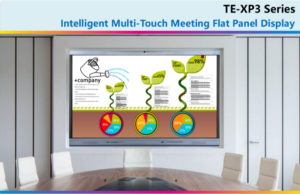
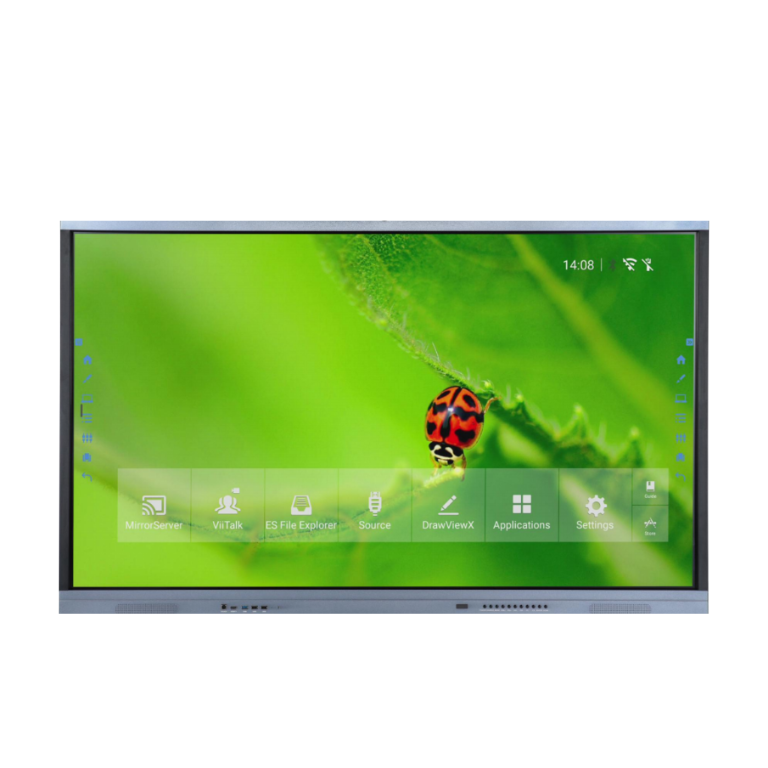
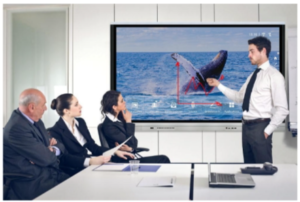
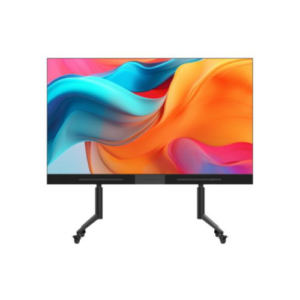
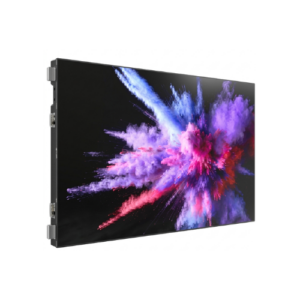
Newly designed model, super slim frame, good outlooking and wide view angle, bring a different new visual experience for presentation.
Fast and high accuracy infrared Multi-touch, smooth writing and convenient finger-guesture erasing Built-in HD
remote-distance meeting system, support up to 4 remote meeting devices to join meeting Support scan QR code
of the whiteboard software to share the meeting records by mobile devices.
 |
 |
 |
 |
 |
 |
| Remote Online Video Meeting System |
Wireless Projection | Wireless Multi-Screens Sharing Function | Cloud Conference | Writing Annotation | Sharing or Saving by Scanning QR Code |
Product View
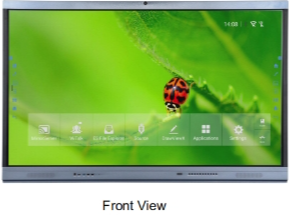 |
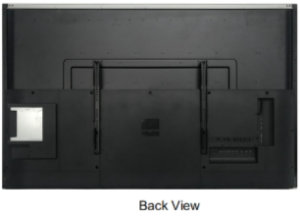 |
Product Features
 |
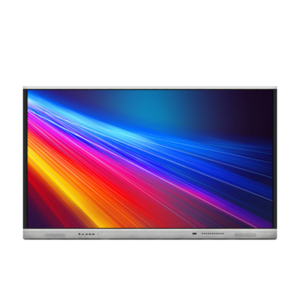
Ultra-narrow bezel With Ultra-narrow bezel design, color can be black, or black + silver grey. new designed model and popular in the market. Shortcut optional if need, which support fast access to IWB software. |
 |
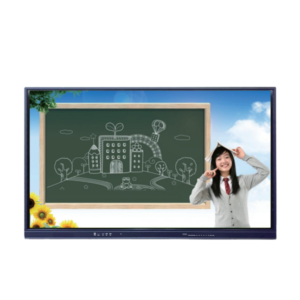
Multi-Touch Leading infrared sensing positioning technology, support multi-person writing at same time, support writing by your fingers or any opaque object, Intelligent gesture recognition, can meet various meeting demands. |
 |
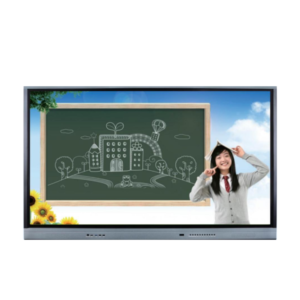
All-in-One Design Six functions in one, integrate functions of projector, interactive board, computer, television, koisk and audio but better user experience. It is an ideal solution for business presentation or schools. |
 |
UHD 4K Resolution 4K picture quality, more dedicated. High-precision UHD picture for visual enjoyment. Support mobile wireless control, built-in annotation applications and other software. |
 |
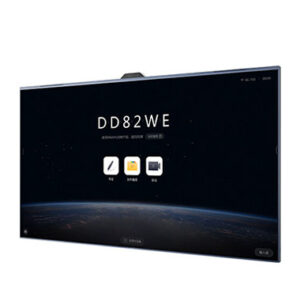
Dual System Supporting Support Android and Windows dual system, each system can be operated and managed separately, elegant simplified Ul interface for Android, can select the required functions quickly, configured with DrawView X annotation software, can quickly write down handwriting with real writing feeling. |
 |
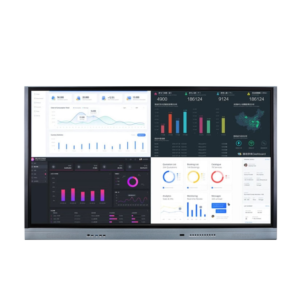
Annotation The built-in Android Annotation software can mark notes or contents on the Android interface or on any opened files on the Windows system. You can highlight or mark over the documents or video no matter in Android or windows system. |
Advantage Functions
 |
Screen Sharing System, Multi-Screen (optional)
Interactivity
Scene 1: Connect touch monitor’s hotspot wirelessly for
screen projection
. Connect the touch monitor’s hotspot
. When use computer or Android mobile phone for
screen projection, refer to the guide of the screen
sharing system to download the screen-sharing
apllication
Select the current touch screen’s hotspot to make a
.
smooth multi-screen projection
Scene 2: use 2.4G wireless connection or external wired
connected router for screen projection
. Please connect your Android phone or computer and
the receiving device to the same router.
. When use computer or Android mobile phone for
screen projection, refer to the guide of the screen
sharing system to download the screen-sharing
apllication
. Select the current touch screen’s hotspot to make a
smooth multi-screen projection
|
|
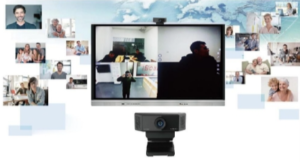
Video Conferencing System (Optional)
. Remote-distance teleconferencing software
. Cloud conference service
. Site to site, multi-parties online video meeting system
. Suggested to use a broadband network with an
uplink speed >100kb/s for starting the online video
meeting
. Configured with an high-definition FHD
camera(optional), enable a more delicated and
smooth video to conduce
. Video conference camera needs to be purchased
separately
. Video conference multi-parties online meeting call
need to pay relevant call fees according to the
operator’s standard
|
 |
 |
Simple and Convenient Operation
. Annotations can be saved on the page at PPT mode.
. Spotlight and other small tools in the Annotation
software can assist meeting presentation and
demonstration
. Meeting records can be easily and conveniently
shared by scanning QR code or email, this will make
meeting records sharing fast and convenient
|


Reviews
There are no reviews yet.